计算机相关专业如何查所投期刊杂质的审稿周期

放在这顺便当作自己的笔记了。
先说Elsevier的相关期刊杂质
1.Go to your journal homepage by searching for the journal's title in the ‘Find a journal’ section on the journal author's page and clicking on the journal name.
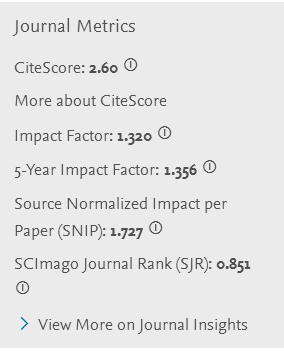
2.Scroll down to the 'Journal Metrics' section in the left panel.
3.Click 'View More on Journal Insights'.
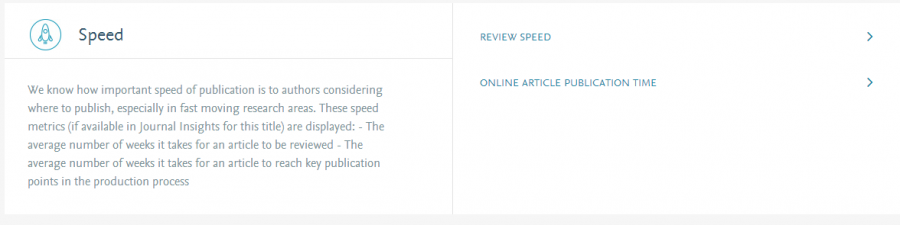
4.Under the section 'Speed' you can find:
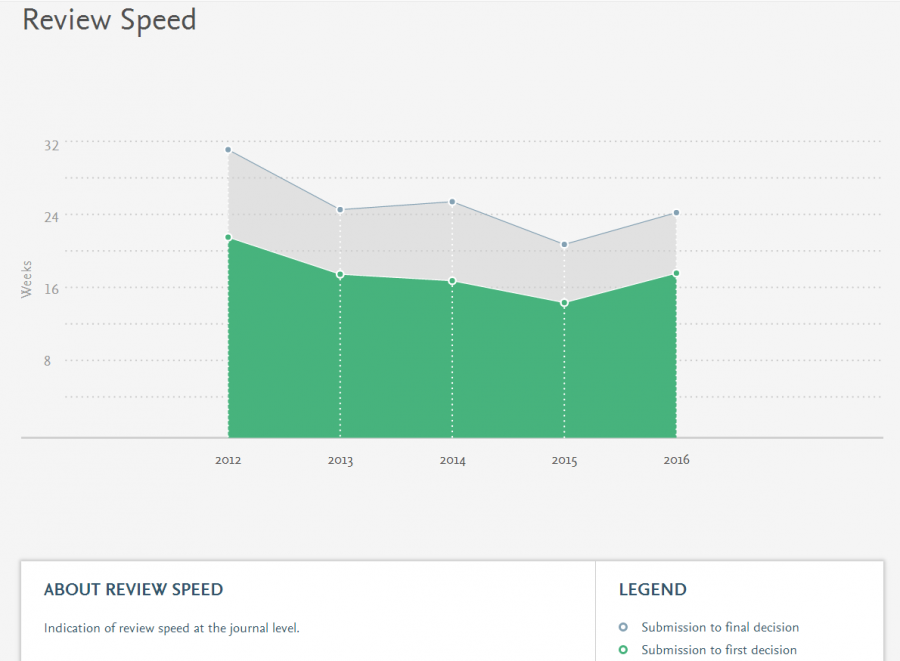
5.The average number of weeks it takes for an article to reach first and final decision.
6.The average number of weeks it takes for an article to reach key publication points in the production process.
意思就是先搜索到你要投的期刊,然后在左边有菜单栏Journal Metrics,找到并点击View More on Journal Insights,就能看到speed了。
有的期刊没有就真没有了。
例如下图,最下面就是了,点开后就能看到了:
找到Speed,在它的右边有对应的信息。
例如点Review Speed:
然后是Springer。
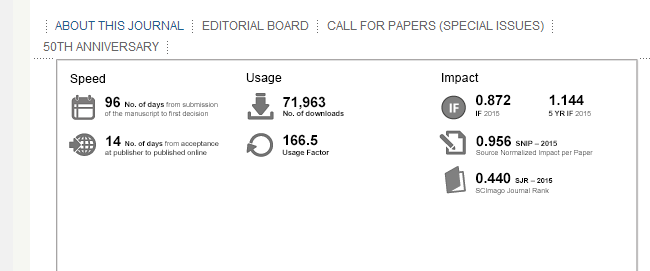
进入期刊对应的主页,然后在最下方找到About This Journal并点击,
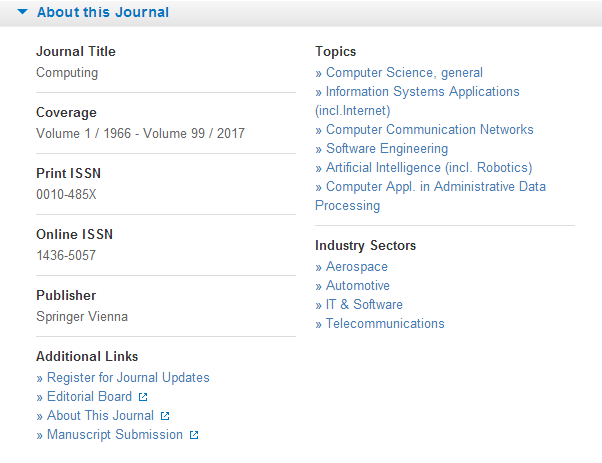
跳转的页面中About This Journal就能看到了
 返回小木虫查看更多




 京公网安备 11010802022153号
IEEE暂时还没找到怎么去看speed,